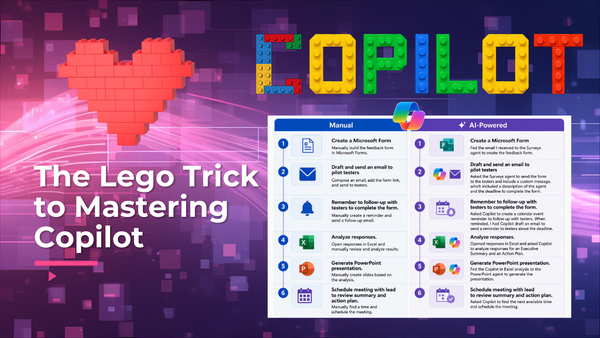
Copilot as a Process Accelerator
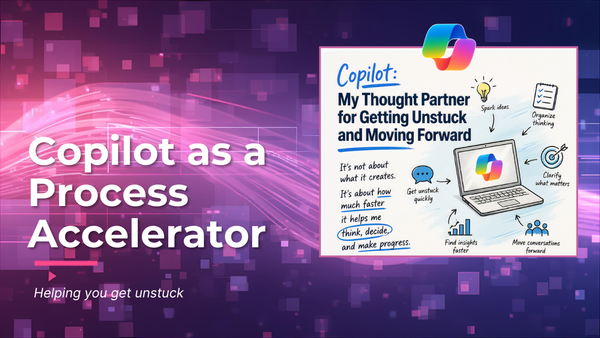
One of the biggest things Copilot has done for me isn't writing content. It's helping me get unstuck. I can't tell you how many times I've heard someone say, "Just send me a draft and I'll provide some feedback.
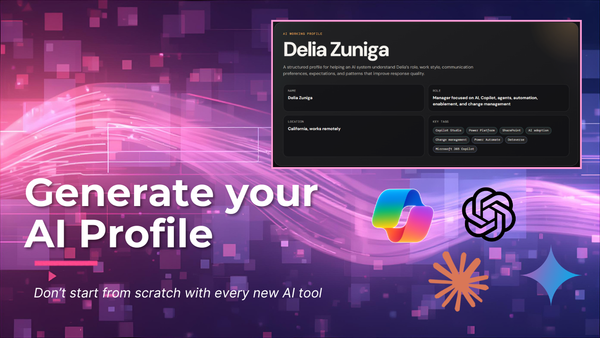
Don’t start from scratch with every new AI tool. Chances are, you’ve already been using one AI tool for a while. Over time, it starts to pick up on how you think, write, and work. That context becomes incredibly valuable. The challenge comes when you decide to try
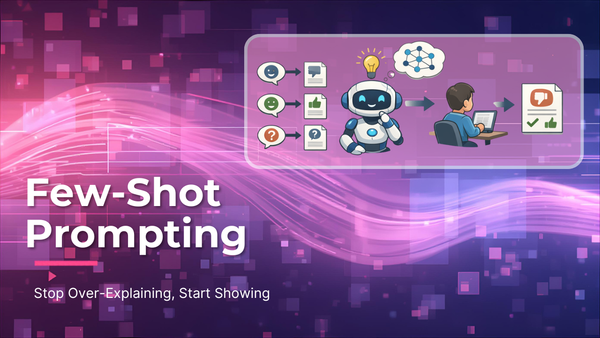
Apparently I’ve been using few-shot prompting this whole time and didn’t even realize it. If you haven’t heard of it, or you’ve been using it without knowing, here’s a quick breakdown. By now you’ve probably heard about Microsoft’s prompting framework: Goal + Context
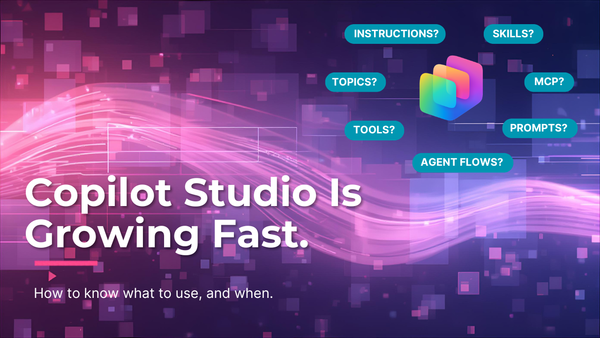
A maker asked me last week whether something should be a Topic or a Tool. As I started to answer, I started thinking about the other capabilities. If you build in Copilot Studio, you have probably felt the same thing...there are a lot of capabilities, but how do I
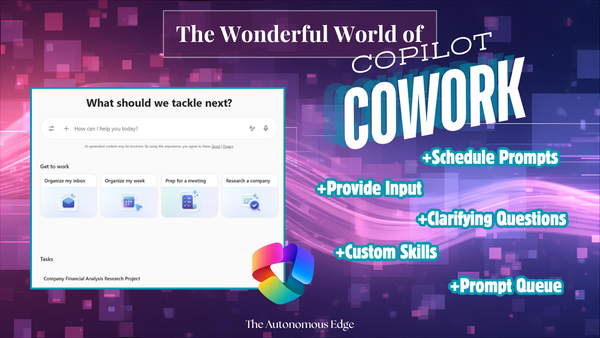
I played around with Copilot Cowork and I am truly amazed! I clicked every button, expanded every menu, tested all the prompts, and this is what I discovered. If you've ever wished Copilot could do more than just answer questions, Cowork is definitely something worth paying attention to.
Agents, automations, applications — oh my! AI is everywhere right now, and every business is pushing their teams to figure out how to put it to work. The energy is real, and honestly, it's exciting. But there's one step that tends to get skipped in the rush
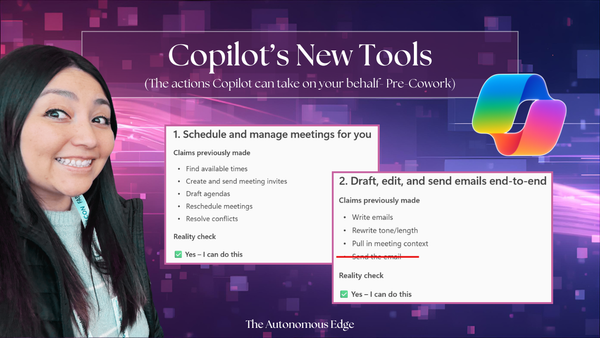
While we wait for Copilot Cowork to drop, I noticed that M365 Copilot has expanded some of its capabilities. In the past, Copilot was always informational and a bit limited. Copilot would give me the information I needed, or it would generate a document, if prompted. But I always needed
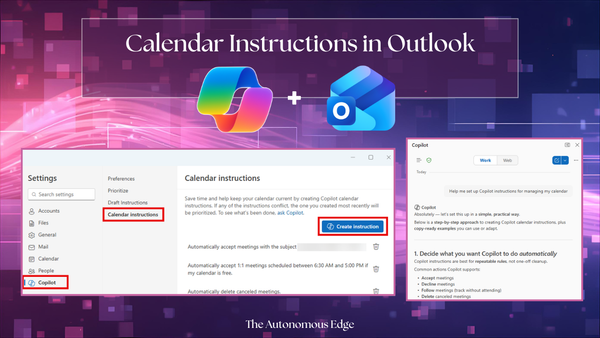
How much time do you spend trying to clean up your calendar? How many declined or cancelled calls still linger on your calendar, just cluttering it up? Ever wish you can just auto-accept calls that are scheduled during your work hours? I'm sure you guessed it by
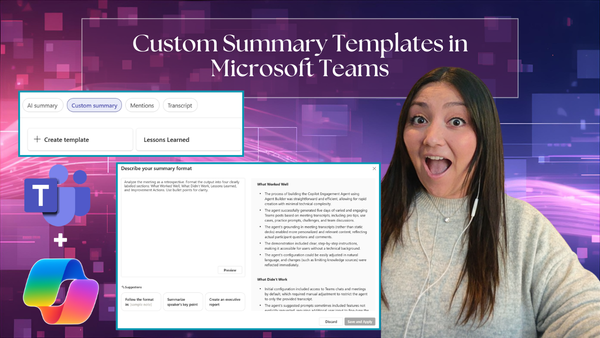
If you haven't yet used the Teams meeting recaps for Copilot generated notes, meeting transcript, audio overview, etc., now is the time! Until very recently, Copilot would generate meeting notes for each transcribed/recorded meeting. The notes would include meeting notes and follow-up tasks. For starters, those
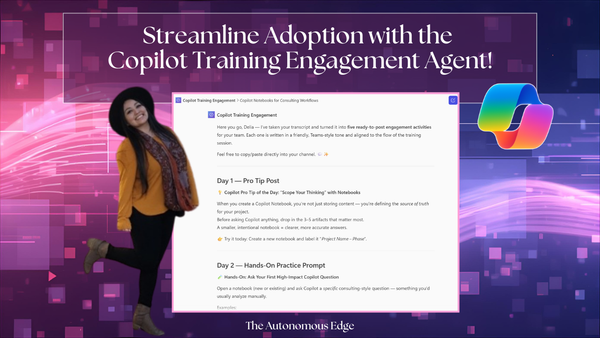
I thoroughly enjoy leading Copilot training sessions, but what always takes the most time is thinking of new tips, exercises, and use cases to share with attendees after the session. Frankly, this follow-up work often ends up near the bottom of my to‑do list — until now. I knew
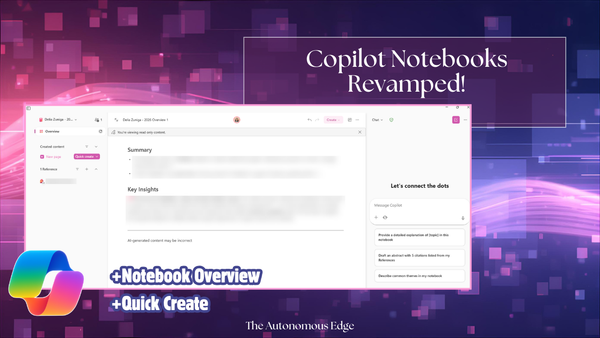
Timing is impeccable! I led a session on Copilot Notebooks earlier this week and today, Friday, I opened up my Copilot Notebook and it looked very different! This just shows how quickly things move! Here are the changes I noticed: * Copilot Notebook Overview * Quick Create (Generate audio overview) * Create Word
"Do you have a good prompt for this?" Let's set the stage– You've started shifting into an AI-first mindset– approaching challenges by asking, "How can AI help here?" You open Copilot...and stare at a blank prompt box. Your mind goes