Copilot Studio Is Growing Fast. Here’s How to Know What to Use and When.

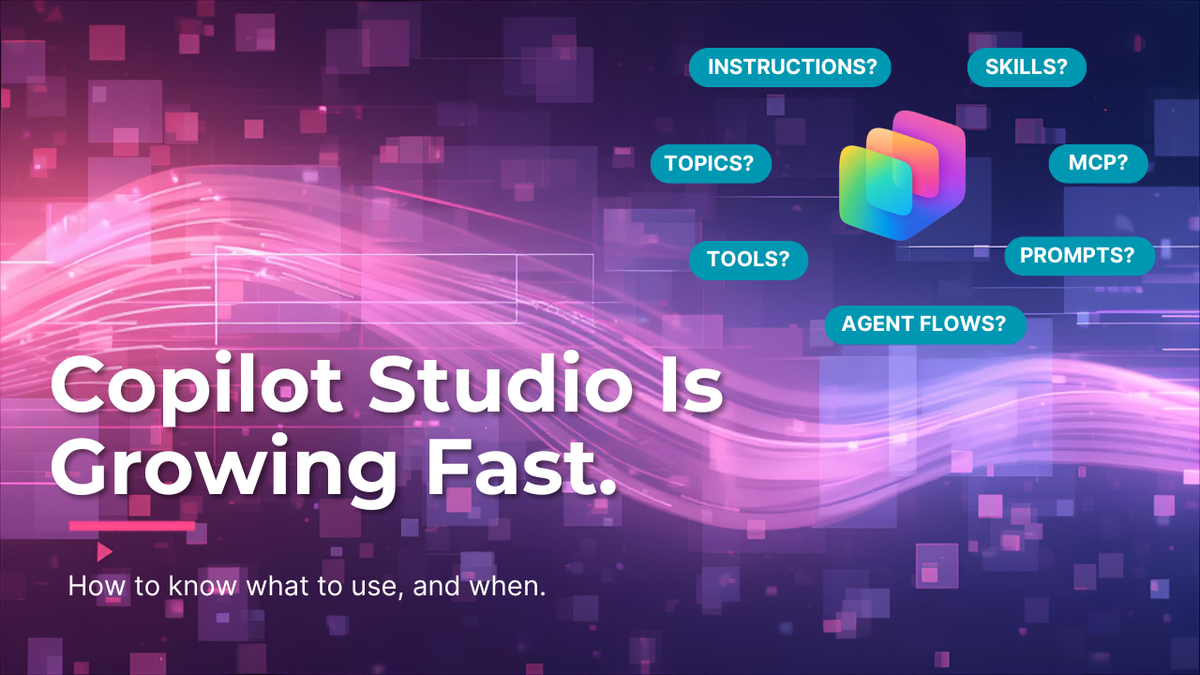
A maker asked me last week whether something should be a Topic or a Tool. As I started to answer, I started thinking about the other capabilities. If you build in Copilot Studio, you have probably felt the same thing...there are a lot of capabilities, but how do I know which to use and when.
Topics. Instructions. Prompts. Tools. Flows. MCP. And soon, Skills. How do you keep them all straight?
Here is a plain-language guide to each one, when to reach for it, and how they fit together.
Two buckets to start
Before the details, hold this map in your head:
• Behavior: Topics, Instructions, Prompts, and Skills shape how the agent thinks and responds.
• Action and context: Tools, Agent Flows, and MCP let the agent do things and stay grounded in real data.
Most confusion comes from picking something in the wrong bucket.
Bucket #1: Behavior
Topics: the traffic director
Topics define when an agent should engage and what conversation path it should follow.
Use them when you need to route based on user intent, when different questions deserve different paths, or when you want guardrails around what the agent will handle. Without topics, your agent ends up as one long prompt that’s painful to maintain. Topics give conversations structure.
Example: Separate topics for “Create a request,” “Check status,” and “Get help.”
Instructions: the foundation
Instructions define how the agent should behave all the time. Tone, boundaries, defaults, and rules live here.
If something must always be true — professional language, no legal advice, ask before assuming — it belongs in instructions. They reduce drift and prevent surprises. Get this layer right and everything else gets easier.
Prompts: the moment-by-moment direction
Prompts (AI Builder prompts) are task-specific directions. They tell the agent what to do right now, inside a single step.
They are lightweight and precise. They should not carry global rules or long-term memory. Overloading prompts is one of the most common mistakes I see makers make — they keep stuffing more into the prompt instead of pushing rules up to instructions or logic into a topic.
Example: “Summarize the following notes in three bullets for an executive audience.”
Skills: the reusable building blocks (coming soon)
Skills are coming to Copilot Studio (confirmed at the M365 conference in 2026), and they are worth paying attention to now.
A skill is a reusable chunk of intelligence. A pattern you have proven works, packaged so you can use it again — across agents, across teams, across scenarios.
Think of a “meeting digest” skill that takes a transcript and returns Decisions, Risks, and Owners. Today you might rebuild that prompt logic in three different agents. With skills, you build it once, improve it once, and every agent that uses it gets better automatically. Start thinking now about which patterns you keep rebuilding. Those are your future skills.
The rule of thumb: if you find yourself copying a prompt into a second agent, that is a skill waiting to happen.
Bucket #2: Action and context
Tools: how agents do things
Tools let agents take action in real systems. They do, they don’t just talk.
Use a tool when you need real data, when you need to create or update a record, or when language alone cannot finish the job. Tools are what make copilots actually useful instead of just clever.
Examples: Search a SharePoint site. Create a row in Dataverse. Post to a Teams channel.
*In this section, I'm referring to connectors when I mention 'Tools'.
Agent Flows: the deterministic worker
Agent Flows handle process automation. Event-driven, predictable, the same every time.
Reach for a flow when a process must always run the same way, when you need reliability over creativity, or when you are moving and transforming data behind the scenes. Agent Flows are not agents. They should not reason or decide. Pair them with agents — the agent reasons, the flow executes.
Example: When a form is submitted, create a record and notify the team.
*Agent Flows are a type of Tool in Copilot Studio
MCP: the open door to context and tools
MCP stands for Model Context Protocol. It is an open standard for how agents connect to tools, data sources, and live context. It’s basically USB-C for AI.
Use MCP when context must be dynamic, when information changes frequently, or when you want grounding without hardcoding everything into your agent. MCP keeps prompts lean and agents informed. As your agent estate grows, this becomes one of the most important architectural choices you make.
The mental model
If you remember one thing, remember this:
- Topics decide when
- Instructions define how
- Prompts guide what right now
- Skills capture how we do this consistently (coming soon)
- Tools and Agent Flows do the work
- MCP brings in live context
When two options feel close, use this:
|
If you want to... |
Reach for |
|
Always refuse a certain topic, no matter the conversation |
Instructions |
|
Branch into a different path based on user intent |
Topics |
|
Shape one specific output in one specific moment |
Prompts |
|
Reuse the same logic across multiple agents |
Skills |
|
Pull or push real data |
Tools |
|
Run the same steps every time, no reasoning required |
Agent Flows |
|
Connect to external context or tools through an open
standard |
MCP |
Final thought
Most Copilot Studio confusion comes from using the right capability for the wrong job. As the platform grows — and as Skills join the toolbox — clarity matters more than ever.
Start simple and design for reuse. The rest gets easier.
If you want to try building one of your first agents in Copilot Studio, request the Agent Build Guide for the Change Impact Analyzer agent—designed to help teams understand how changes impact people, processes, and tools before they happen.
✨ How to get it: Simply fill out this form and the Build Guide will be yours in a matter of seconds!
Happy building!
👉 Request the Build Guide here: https://lnkd.in/dQHd8jTh
👉 Watch the demo here: https://lnkd.in/dCF3wb6f
Thank you for reading!
-The Autonomous Edge