Before You Build: Why Solution Design Sessions Are the Secret to Better Agents

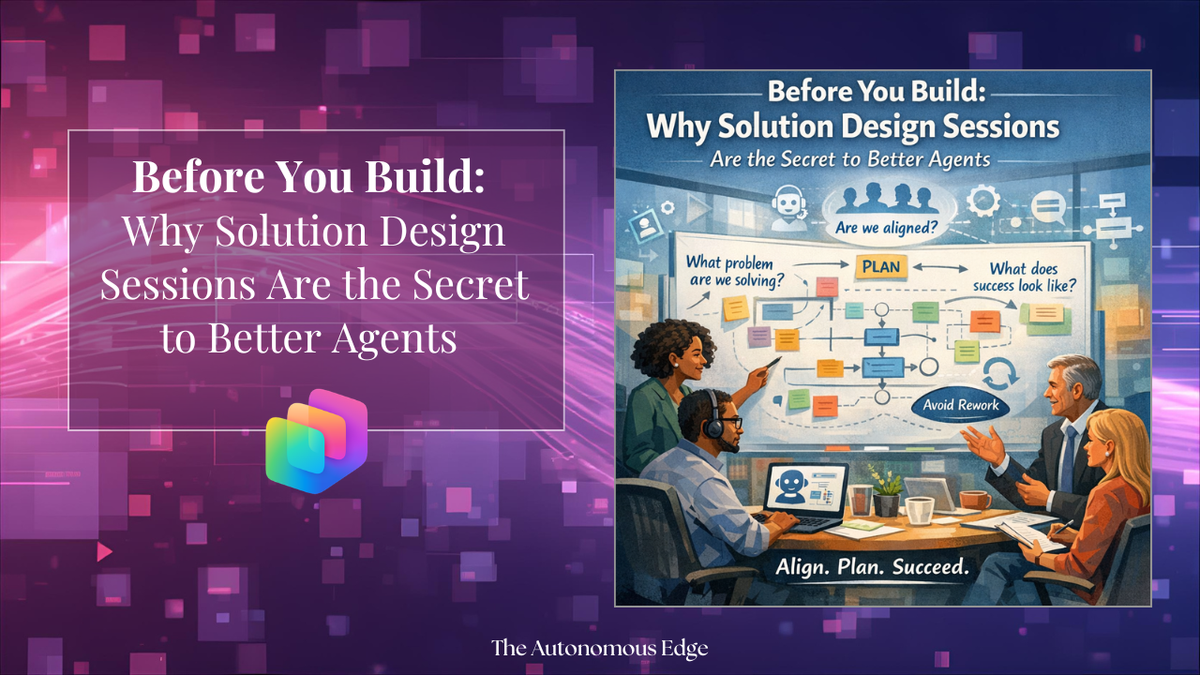
Agents, automations, applications — oh my! AI is everywhere right now, and every business is pushing their teams to figure out how to put it to work. The energy is real, and honestly, it's exciting. But there's one step that tends to get skipped in the rush to ship something, and it can make or break your entire build: the solution design session.
Let me paint a picture I've seen play out more than once.
A team gets the green light to build an agent. The requirements seem clear enough at the start, so they dive in. After the first demo, things shift a little; stakeholders had been having other conversations and the direction changed. No big deal, adjustments get made. But then it happens again. And sometimes again after that.
What's usually going on underneath the surface is that the people defining the requirements are still figuring out what problem they actually want to solve. Decisions are being made in other rooms, in other meetings, and the build keeps changing to reflect conversations that the builder isn't part of. It's a moving target and nobody flags that the target is still moving until the builder is already mid-build.
The result? A project that takes longer than it should, with rounds of rework that could have been avoided entirely.
Lessons Learned
A few things I've taken away from watching this play out:
- Align before you build. Make sure key stakeholders are on the same page before a single workflow is created.
- Clarity upfront saves rework later. The longer requirements stay vague, the more expensive they are to fix.
- Pausing is part of the process. A design conversation isn't a delay — it's what makes the build go faster.
- Decision-makers belong in the room. If the people who approve the solution aren't part of the design session, expect change requests after every demo.
So, what's the fix?
Here's the thing, it's not a process problem unique to any one team. When the pressure to move fast is real, design conversations are usually the first thing to get cut. But without a proper design conversation upfront, you end up building the solution you thought was asked for, only to walk out of the first demo with a whole new list of requirements. This is a gap in the process.
The solution design session is where you slow down just enough to speed up later. It's the conversation where you ask the questions that actually matter: What pain point are we solving? What does success look like? What happens if we don't build this? What should the end user experience feel like? Who needs access, and what data should the solution be able to see?
Once you have clear answers to those questions, the build itself becomes the easy part. Teams that invest time in design sessions ship faster, iterate less, and end up with solutions their stakeholders actually use.
So, before you spin up your next agent in Copilot Studio, block some time for a solution design session. You might need more than one call, and that's completely ok. The goal is to walk away with everything you need to confidently design your solution before a single action is created.
Not sure where to start? Use the checklist below to guide your conversation.
Solution Design Session Checklist
The Problem
- What is the specific problem or pain point this solution is addressing?
- Who is experiencing this problem? (role, team, department)
- How is this problem currently being handled?
- What is the business impact of not solving this?
Goals & Success
- What does a successful outcome look like?
- How will we measure success? (time saved, error reduction, adoption rate, etc.)
- Are there any known constraints or non-negotiables?
- What is the expected timeline for delivery?
- Have key stakeholders aligned on the goals before the build begins?
The End User Experience
- Who are the end users of this solution?
- Where will users interact with the agent? (Teams, SharePoint, M365 Copilot, etc.)
- What should the conversation or workflow feel like from the user's perspective?
- Are there accessibility requirements?
Data & Integrations
- What data does the agent need to access?
- Where does that data live? (SharePoint, Dataverse, external APIs, etc.)
- Are there any data sensitivity or compliance considerations?
- Does this solution need to connect to any existing systems or tools?
Access & Permissions
- Who needs access to the agent?
- Are there different access levels needed for different user groups?
- Who owns and maintains the solution long-term?
- Who approves deployment?
Edge Cases & Escalation
- What should happen when the agent can't answer a question?
- Is there a human escalation path needed?
- What topics or actions should the agent not handle?
- How should errors or failures be communicated to the user?
After Launch
- Is there a pilot group before full rollout?
- What does the feedback and iteration process look like?
- How will the agent be updated as requirements change?
How do you typically approach a solution design session?
Thank you for reading!
-The Autonomous Edge