The Lego Trick to Mastering Copilot: AI-Powered Workflows

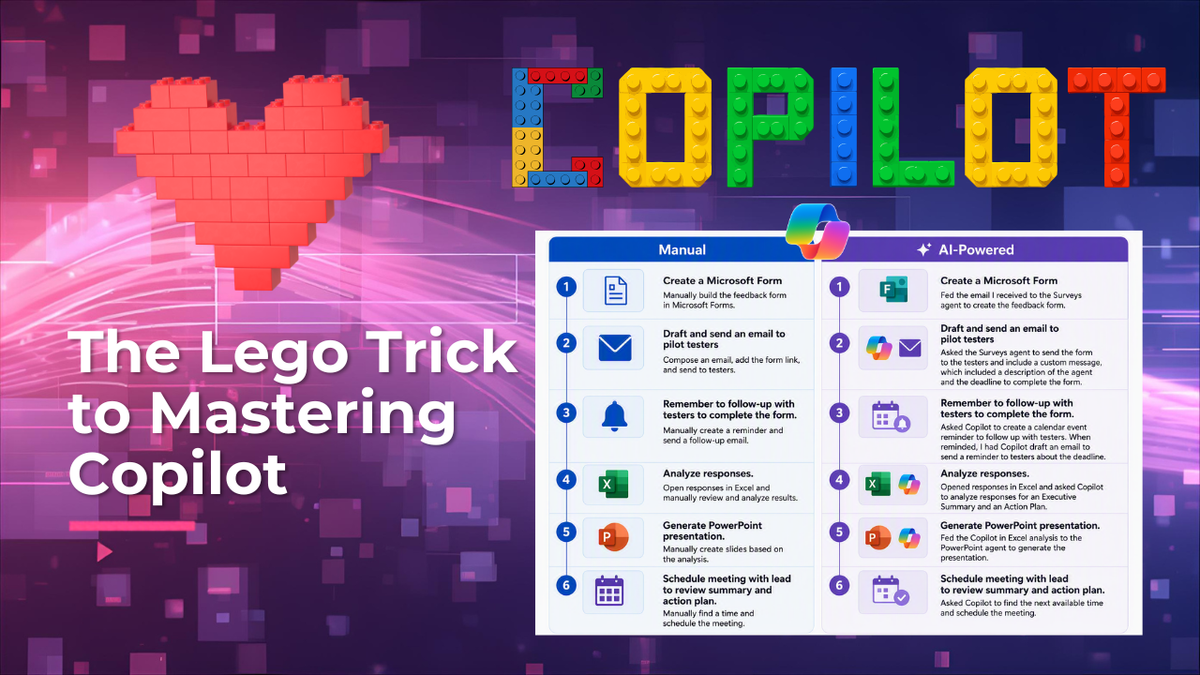
Have you ever built with Legos?
If so, you probably started with a set. Every piece included, step-by-step instructions, one clear job: follow along and build the thing. It was exciting. And somewhere in that process, without realizing it, you started learning technique. You started understanding what was actually possible with those little bricks.
Once you had a few sets under your belt, maybe you got braver. You started pulling pieces from different sets and building something original, something that wasn't in any instruction manual. As you built that custom creation, you were pulling from everything you'd already learned. You knew exactly which piece you needed and why. You'd become a Lego master.
So how does this relate to AI?
As you've been learning to use AI, take Microsoft Copilot as an example, you've probably followed a similar path. You started with the basics, built confidence, and slowly understood more of what Copilot can actually do.
But before you can call yourself a Copilot master, you need to understand its capabilities across the applications you use every day. That's what lets you look at a task and know, instantly, where and how to bring Copilot in.
That means getting comfortable with things like using Copilot in Outlook to manage your inbox, using calendar instructions to manage your schedule, and using custom instructions to draft emails that actually sound like you.
And it goes beyond the M365 apps you already know. Becoming a Copilot master also means knowing the Microsoft-built agents, like Researcher, Analyst, and Surveys, and understanding what each one is actually built to do.
Once you understand the full range of what Copilot can do, you start approaching a task by asking which pieces of Copilot you need to pull together to get it done. That's the master builder mindset. Same as the Legos.
Here's a real example.
I received an email from my lead asking me to kick off pilot testing for a new Copilot Studio agent we'd built. She gave me everything I needed to get started:
- Where to find the list of testers
- What information we needed to capture from them
- The date feedback was due
If I'd tackled this the manual way, here's what that would have looked like: build a Microsoft Form from scratch, spend time figuring out how to phrase each question and which question type made sense, draft an email to every tester explaining what to do and by when, manually track who responded and follow up with the stragglers, then dig through the responses myself to pull together an executive summary and a plan of action. Then build a PowerPoint from that analysis to present to my lead.
Realistically, that's about a week of work.
Instead, I leaned on everything I know about Copilot's capabilities and rebuilt the entire process, piece by piece, using AI at every step.
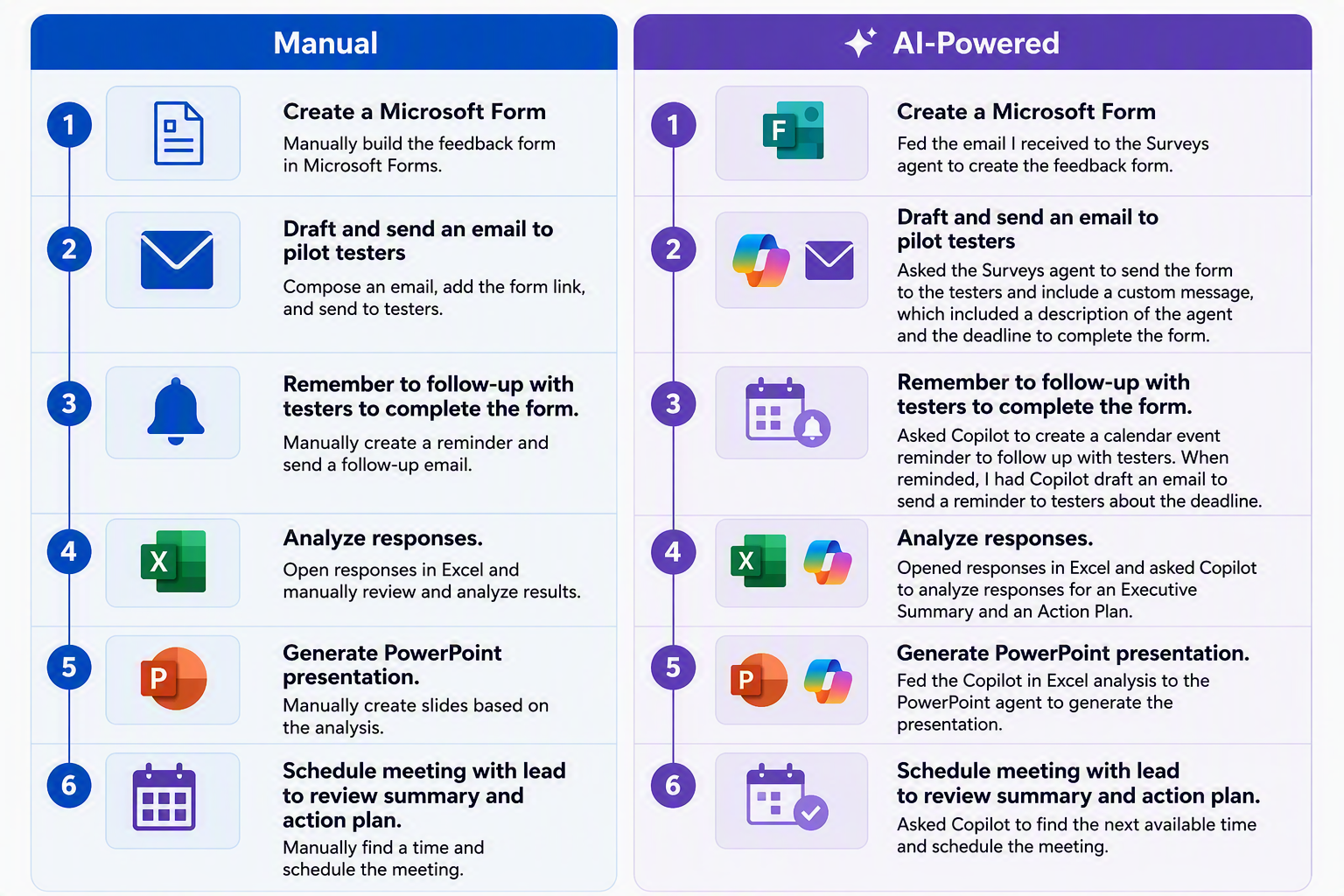
What used to take a week took a fraction of the time, and I still walked into that meeting with my lead having done the thinking, with Copilot handling the manual work along the way.
That's what becoming a Copilot master actually looks like: knowing your pieces well enough that when a task lands in your inbox, you already know how you're going to build it.
So, the next time a task like this comes your way, ask yourself which pieces you already have to build it smarter.
Thank you for reading!
-The Autonomous Edge